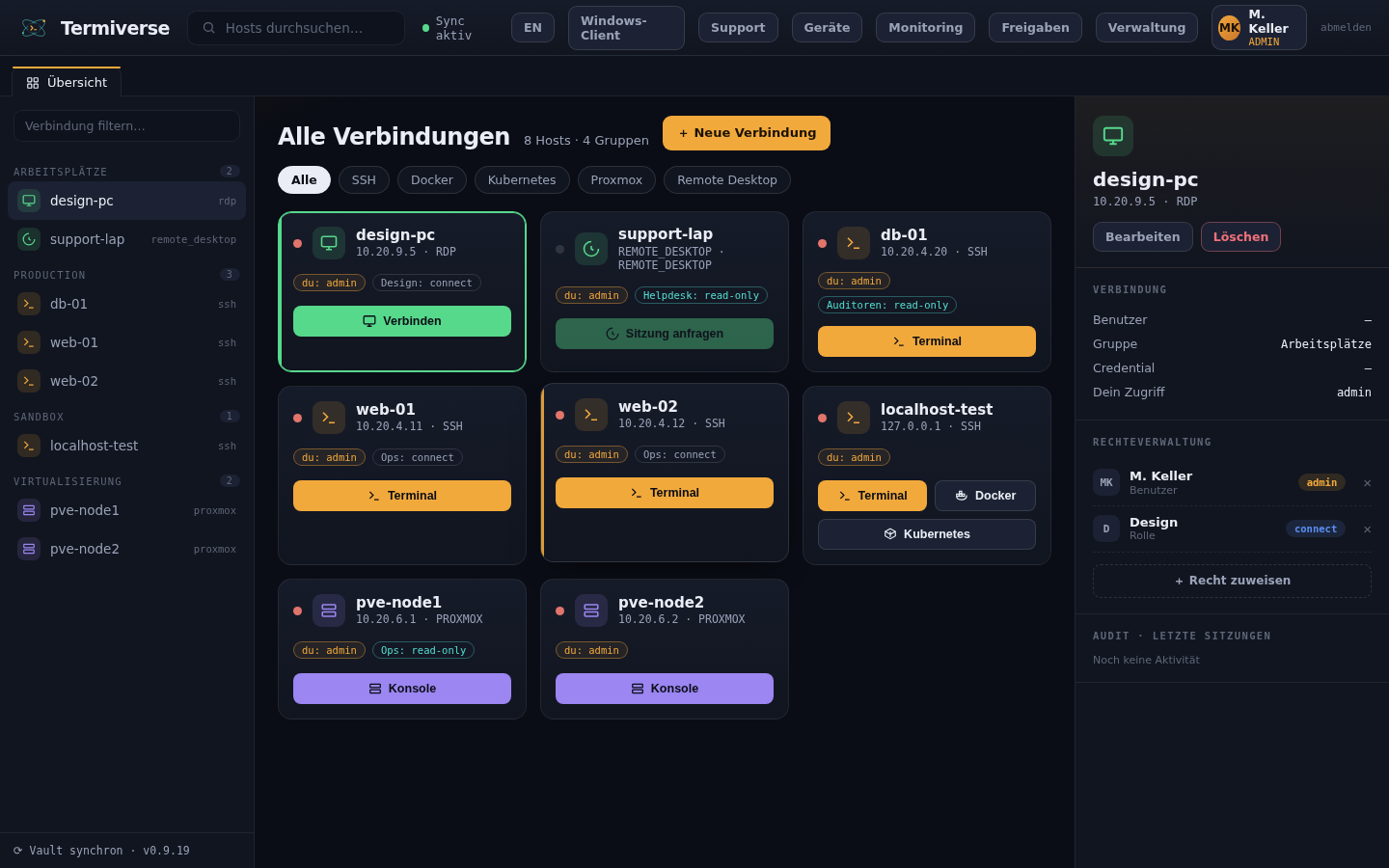
Connections and devices, attended sessions and unattended access, terminal and remote desktop — all working together, managed centrally.
Connections and managed devices in one grid, organised by your existing groups (workstations, containers, production).
Jump onto the remote screen and control it in real time — via WebRTC with tile-based delta encoding.
Always-on devices via a lightweight agent — enrollment tokens, a persistent control WebSocket, Windows service.
Full SSH sessions right in the browser, no local client (xterm.js).
Graphical RDP and VNC sessions, clientless in the browser (Guacamole-based).
Enable per connection: the session keeps running in tmux on the target server when the browser closes — including running programs — and resumes on reconnect.
Watch a running SSH session and share it with colleagues via a link — optionally with shared control in the same terminal. Ideal for collaboration and training.
Granular permissions per group — aligned with your real inventory groups.
Your logo, your colours and your own domain — the platform under your name.
Per-group deployment tokens, agent EXE with baked-in URL & token, UI-driven compilation.
Reachability and status monitoring. One channel = one connection or one monitoring target.
Store frequent commands as a global or per-connection bar and run them with one click — even across multiple SSH sessions at once.
SSH, RDP and VNC to systems behind a firewall or NAT — via dedicated tunnel endpoints with a target allowlist, without any port forwarding. Wake machines via Wake-on-LAN.
SSH sessions are recorded and replay in the browser; RDP and VNC via guacd. Full traceability for audit and compliance.
Make sensitive connections accessible only after explicit approval (break-glass). A dedicated approver role decides who grants access.
A complete audit log for logins, sessions and permission changes. A live overview of all open sessions — who has what open — with one-click disconnect.
Encrypted backups (AES-256) of device files to local, network drive or cloud (S3, Azure, OneDrive, Google Drive, Dropbox). Restore individual files via a file browser. Optional add-on.
Roll out operating-system and software updates for Windows and Linux centrally — scheduled in maintenance windows, with four-eyes approval and rollback. Available as an add-on.
Manage MySQL/MariaDB, PostgreSQL, SQLite and MS SQL Server right in the browser — SQL editor, table browser, export & import. Connection through the agent with no port forwarding. Available as an add-on.
Start with the base plan or talk to us about the self-hosted option.